



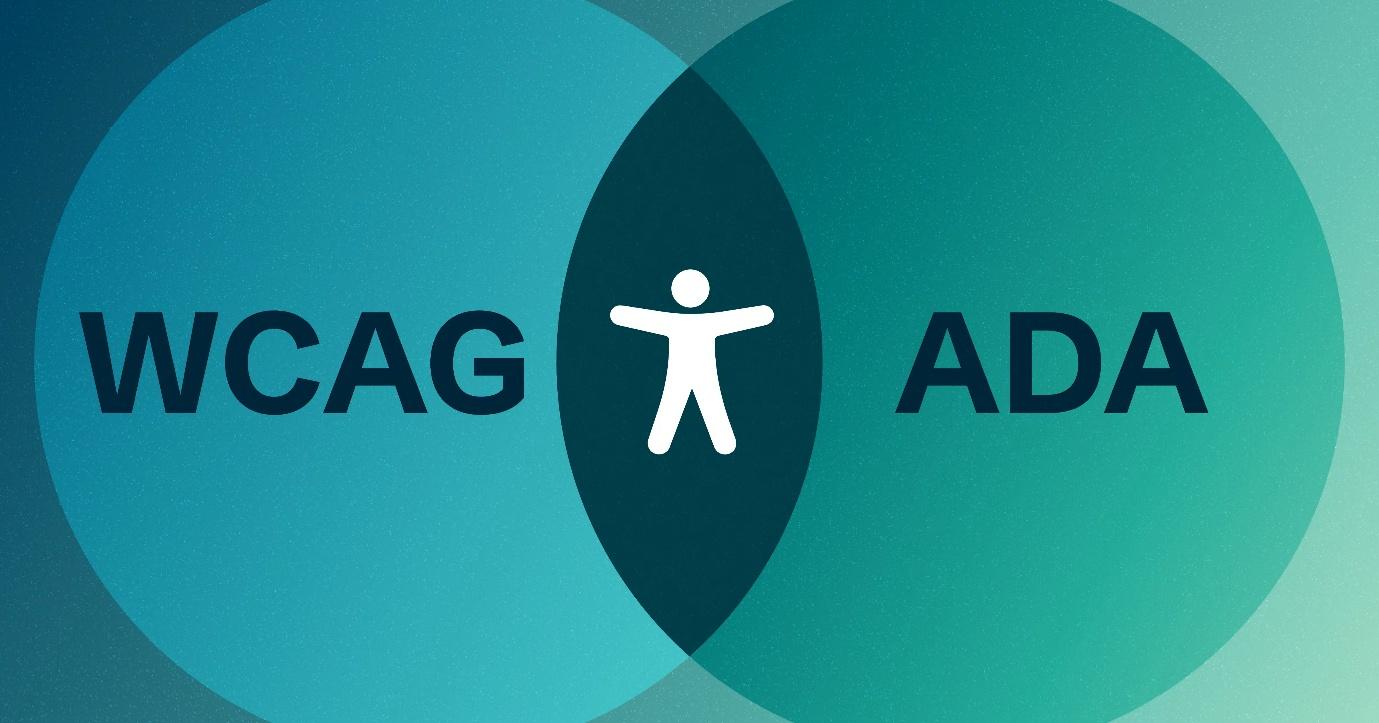

Web accessibility ensures that websites are designed and developed so that everyone – including individuals with disabilities – can navigate, understand, and interact with them effectively. But when it comes to legal and technical standards, many people find themselves confused by the relationship between WCAG (Web Content Accessibility Guidelines) and the ADA (Americans with Disabilities Act). Are they the same thing? How do they work together?
Let’s break it down.
What Is Web Accessibility?
Web accessibility refers to creating digital experiences that allow everyone, regardless of their abilities, to browse, shop, learn, and connect online. People with disabilities – including visual, auditory, physical, speech, cognitive, and neurological impairments – often encounter unnecessary barriers when accessing websites.
Making a website accessible benefits not just users but businesses as well. Daniel, an accessibility expert from EqualWeb, explains:
“Ensuring web accessibility is more than just about legal compliance – it’s about inclusivity. When a website is accessible, it improves the user experience for everyone, expands audience reach, and even strengthens SEO performance.”
The ADA and Web Accessibility
The Americans with Disabilities Act (ADA) is a U.S. law designed to prevent discrimination against people with disabilities. While the ADA was originally written for physical spaces, courts have increasingly ruled that websites are considered “places of public accommodation”, meaning businesses must ensure their digital presence is accessible.
Is ADA Compliance Required for Websites?
Although the ADA itself does not explicitly mention websites, many lawsuits have established that businesses can be held legally responsible for inaccessible digital experiences. Companies that fail to meet accessibility standards may face lawsuits, fines, and damage to their brand reputation.
WCAG vs. ADA: What’s the Difference?
Many people confuse WCAG (Web Content Accessibility Guidelines) with the ADA. While they are related, they serve different purposes:
- WCAG is a technical standard that provides guidelines on how to make websites accessible. It is developed by the World Wide Web Consortium (W3C) and includes detailed recommendations for improving digital accessibility.
- The ADA is a legal framework that enforces accessibility requirements, ensuring equal access to services, employment, and public spaces—including digital platforms.
Most courts and regulatory agencies reference WCAG compliance as the standard for meeting ADA requirements. In short, if your website follows WCAG guidelines, you are more likely to be compliant with the ADA.
Common Accessibility Mistakes to Avoid
Through our audits of various websites, we’ve identified some of the most common accessibility mistakes. Daniel from EqualWeb highlights some of the biggest issues businesses face:
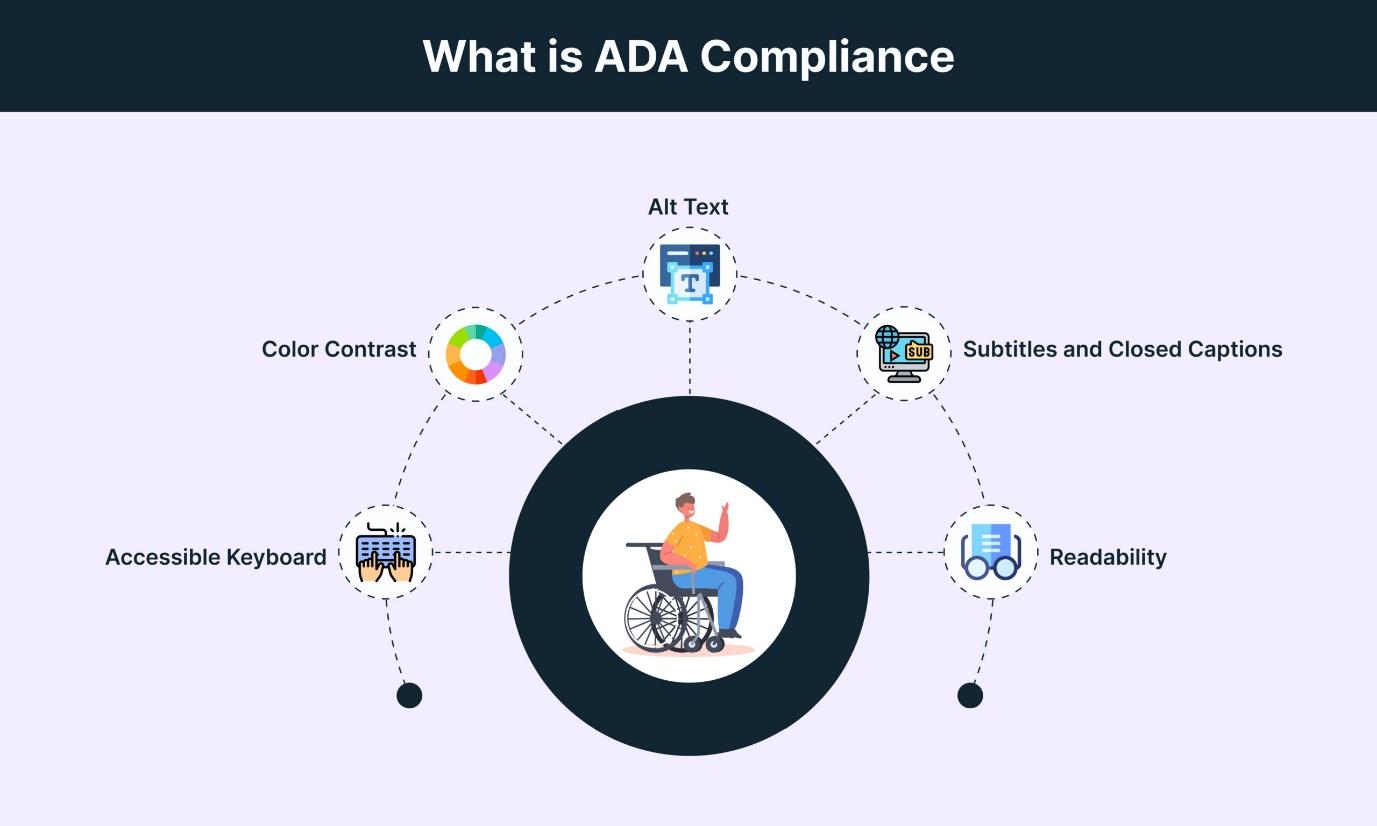
1. Poor Color Contrast
“Many websites have text that’s difficult to read because the contrast between text and background is too low. This makes it nearly impossible for people with visual impairments to read content.”
2. Missing Alt Text on Images
“Screen readers rely on alternative text (alt text) to describe images. If there’s no alt text, blind or visually impaired users miss out on important information.”
3. No Keyboard Navigation Support
“Some websites can only be navigated with a mouse, excluding users who rely on keyboards or assistive technologies like screen readers.”
4. Complex Forms Without Labels
“Forms must be designed with clear labels and instructions to help users with disabilities complete them easily.”
From our own testing, we’ve seen how even simple fixes—like adding clear headings or making navigation more intuitive—can drastically improve a website’s usability for people with disabilities.
Ensuring Long-Term Compliance
Web accessibility isn’t a one-time fix – it requires regular audits and updates to keep up with evolving standards and technologies. Daniel emphasizes the importance of proactive maintenance:
“Many businesses wait until they receive a complaint or lawsuit before addressing accessibility. But the best approach is to integrate accessibility from the start and perform regular compliance audits.”
From our perspective, businesses that invest in ongoing accessibility efforts not only mitigate legal risks but also future-proof their digital presence. Accessibility is an evolving field, and staying ahead of the curve is key.
Final Thoughts
Both WCAG and the ADA aim to create a more inclusive digital world. WCAG provides the technical guidelines, while the ADA enforces accessibility as a legal standard. Businesses that prioritize accessibility not only avoid legal risks but also improve user experience and expand their customer base.
From our experience, making your website accessible is not just about compliance – it’s about building an internet that works for everyone.